Dark mode

Dark mode gives Insurital a calm, darker look that is easier on the eyes in the evening. Choose it from Appearance in your account menu: Light, Dark, or Auto, which follows your device. Previews of documents stay white, like the PDFs they make.

A calmer look for evenings

Soft graphite behind dark cards, with calmer colours that are easier on your eyes. Everything stays where it is.
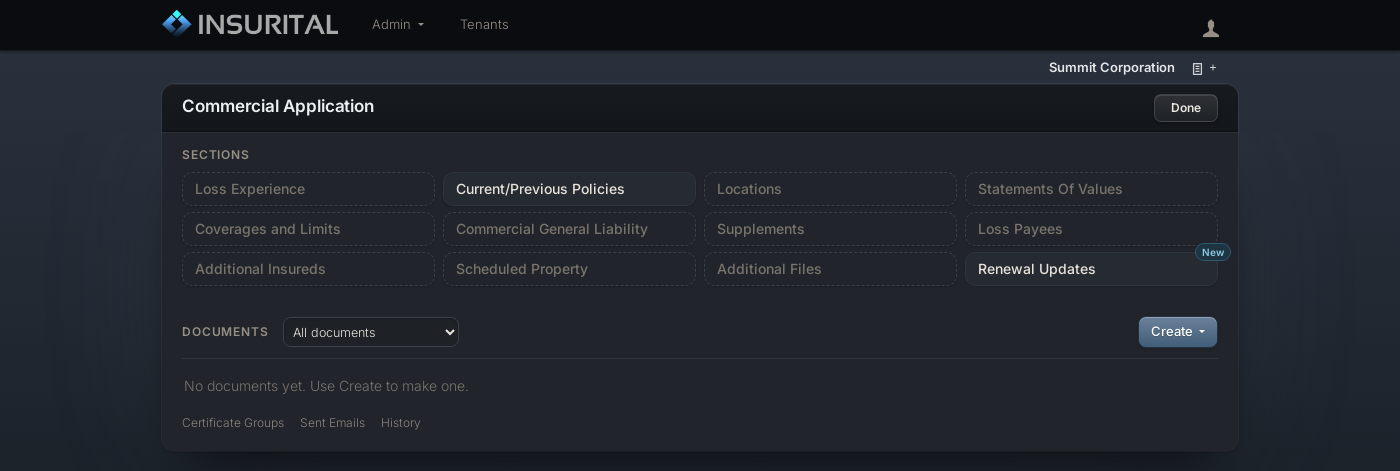
A calmer look for evenings

Light, Dark or Auto

Open your account menu (the person icon, top right) and choose Appearance. Auto switches with your phone or computer, so if your device goes dark at night, Insurital does too.

Light, Dark or Auto

Try it with your own clients

Set up your brokerage in a minute. No credit card, no call needed.

Start Free

Back to the tour