Underwriting
Submissions underwriters don't send back
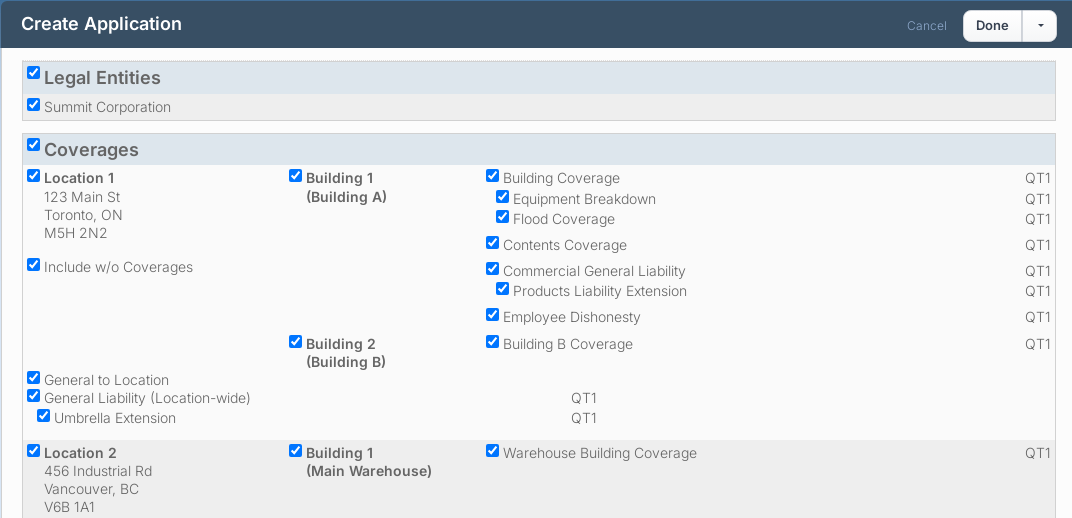
Answer the supplements, tick what each insurer needs, and send one complete PDF. Every submission stays with the client, so you know what went to whom.
Underwriting
Answer the supplements, tick what each insurer needs, and send one complete PDF. Every submission stays with the client, so you know what went to whom.
The problem
An application, a supplement, a statement of values and three years of losses, each in a different file, stitched together for every insurer. Something is always missing, the underwriter asks for it, and the quote arrives a week later.
How it works
Your questions, your way
Start from the supplements included with Insurital or build your own, with sections, question types and follow-ups that appear only when an answer calls for them. The same supplements appear in Client Intake, so clients can answer them too.
You choose what goes into each one. Save your choices as a template if you send the same kind of submission often.
Yes. Loss runs and other PDFs in the client's files can be added to the end of the submission.
Yes. Send a Client Intake link and the supplements that fit their business are part of it, one question at a time. Their answers land in the file, ready to submit.
Get Started
We'll show you how Insurital can work for your brokerage.